


For practitioners
Referring,made simple.
- Until studies are ready to view online
- 15min
- Clinics your patients can choose from
- 6
Practice toolkit
Everything your
practice needs.
Four tools for referring to GIG Radiology, viewing your patients’ imaging and getting help when you need it.
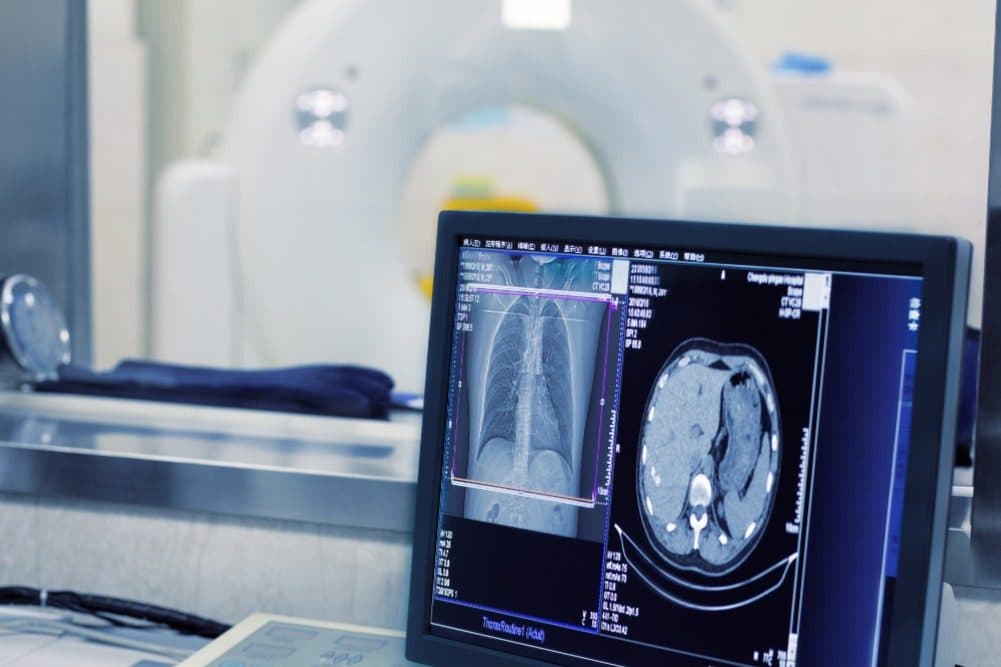
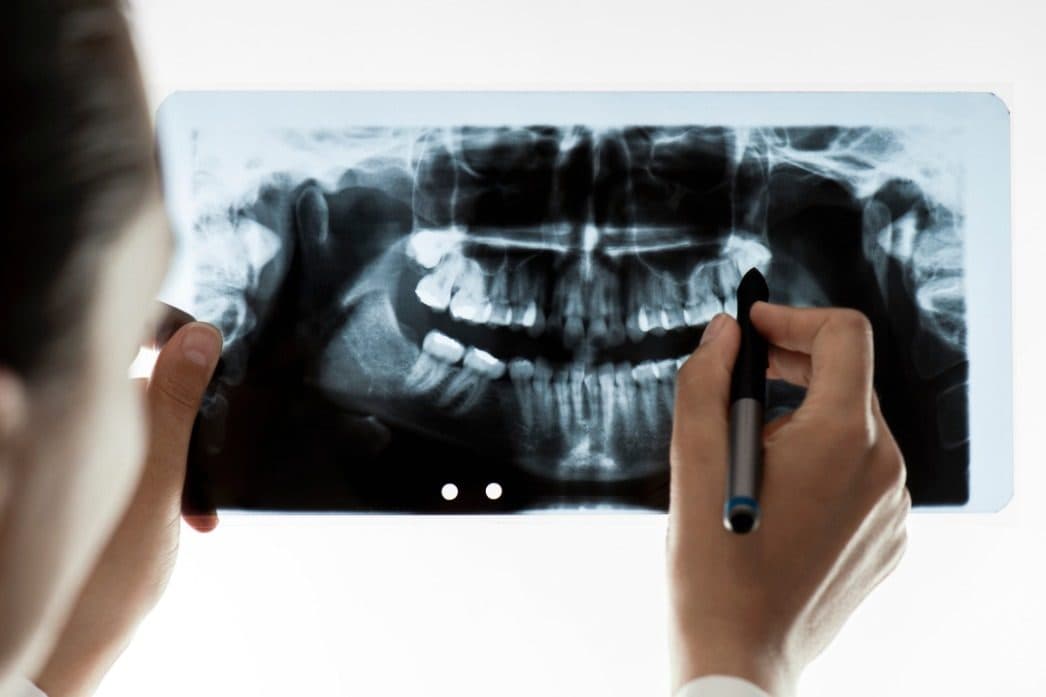
Online viewer
Studies on screen
in about 15 minutes.
Our customised online viewer gives you fast access to your patients’ imaging, with the tools to review it and export images as JPG or DICOM to share with colleagues.
Ways to connect
In your browser, on the desktop or on your phone.
e-Referrals & EDI
Refer electronically.
Get reports the same way.
Send e-referrals
Short step-by-step guides for sending an e-referral to GIG Radiology, and making us your default imaging provider.
Best Practice
 (opens in a new tab)
Receive reports by EDI
Reports straight into your practice software.
We deliver electronic reports through Medical-Objects. The software and helpdesk support are provided to your practice free of charge on behalf of GIG Radiology, and work with Medical Director, Best Practice, Windows and Mac.
Return the setup request form to Medical-Objects.
A technical officer installs it remotely in about 10 to 20 minutes.
You receive an information pack with support details.
Resources
Guides and references
for your team.
Download them, print them, keep them by the front desk.
CT at a glance
What we can image in CT.
(01)Head14 procedures
- Routine Head
- Contrast Head
- Temporal Bones
- Facial Bones
- Sinuses C−
- Sinuses C+
- Orbits
- IAM / Cochlea
- Petrous Bones / Middle Ear / Mastoid
- Stylohyoid Process
- Pituitary Fossa / Gland
- Orbits C−/+ (Visual Pathway)
- Direct Coronal Sinus
- Nasal Bones / Post Basal Space
(02)Soft tissue neck2 procedures
- Soft Tissue Neck
- Soft Tissue Thyroid
(03)Chest4 procedures
- Routine Chest
- Chest C+
- High Resolution Chest
- Sternum / Ribs / Rib Cage
(04)Abdomen10 procedures
- Abdomen and Pelvis C+
- Abdomen and Pelvis C−
- KUB
- Multi-Phase Liver
- Multi-Phase Kidney
- Multi-Phase Pancreas
- CT Spleen
- CT Adrenals
- CT Renal Stones
- CT IVP
(05)Chest, abdomen & pelvis (CAP)2 procedures
- Chest, Abdomen and Pelvis C−
- Chest, Abdomen and Pelvis C+
(06)Spine4 procedures
- Cervical Spine
- Thoracic Spine
- Lumbar Spine
- Sacrum / Coccyx / SI Joints
(07)Extremities10 procedures
- Shoulder
- SC Joints / Clavicle
- Elbow
- Wrist
- Leg
- Pelvis / Hip
- Knee
- Ankle
- Foot
- CT Pelvimetry
(08)Neck / chest / abdomen / pelvis1 procedure
- Staging CT Head / Neck / Chest / Abdomen / Pelvis C+
(09)Angiogram7 procedures
- CTPA
- COW / Intracranial Angiogram
- Carotid / Vertebral Angiogram
- Thoracic Aorta Angiogram
- Abdominal Aorta Angiogram
- Renal or Coeliac CTA
- Whole Leg Run
IT quick support
Stuck? We’ll connect
and fix it with you.
Tell us what’s wrong
Send a quick request from our support page, or email helpdesk@gigradiology.com.au.
Open Quick Support
Download it for Windows or Mac when our team asks you to.
We take it from there
With temporary access to your computer, our IT team works through the problem. This covers GIG software applications only.
Contact
Talk to the team
your patients see.
- (01)PakenhamSat 9–1
23 John Street, Pakenham VIC 3810
(03) 5941 7812pakenhamteam@gigradiology.com.au - (02)
Shop 25, Arena Shopping Centre, 4 Cardinia Road, Officer VIC 3809
(03) 5941 8544officerteam@gigradiology.com.au - (03)CranbourneSat 9–1
2 Woodbine Road, Cranbourne North VIC 3977
(03) 5991 7368cranbourneteam@gigradiology.com.au - (04)
35 Grey Street, Traralgon VIC 3844
(03) 5176 1212traralgonteam@gigradiology.com.au - (05)
30 Boneo Road, Rosebud VIC 3939
(03) 5986 6400rosebudteam@gigradiology.com.au - (06)
291 Rossiter Road, Koo Wee Rup VIC 3981
(03) 8352 4299kooweerupteam@gigradiology.com.au
- Fax (all clinics)
- (03) 7000 5042
- General & IT
- helpdesk@
gigradiology.com.au - Hours
- Monday to Friday, 9am to 5pm
Ready to refer your next patient?
Send an e-referral or give your patient a paper referral. They can book online or by phone with their nearest clinic.